What "non-custodial" actually means
Non-custodial means you hold the keys. We don’t, and neither does an exchange. The wallet generates your private keys on your own device. We never see them, store them or have any way to access your funds.
We can't freeze your wallet or reverse a transaction. And if you lose your recovery phrase, we can't recover it, because we never had a copy.
Compare that to keeping ECR on an exchange. You deposit coins, the exchange holds the keys, and you're trusting them to manage your funds correctly and stay solvent. A non-custodial wallet removes that layer entirely. Your ECR sits on the blockchain, under your control, independent of any single company or platform.
What the wallet does today
Right now, the wallet covers the essentials: sending ECR, receiving ECR, and checking your balance. Setup takes a few minutes. You create a wallet, write down your recovery phrase, and you are ready to transact.
We'll keep building on it. For now, it does the core job well: giving you direct, self-custodied access to your ECR.
Why web and Android first, iOS next
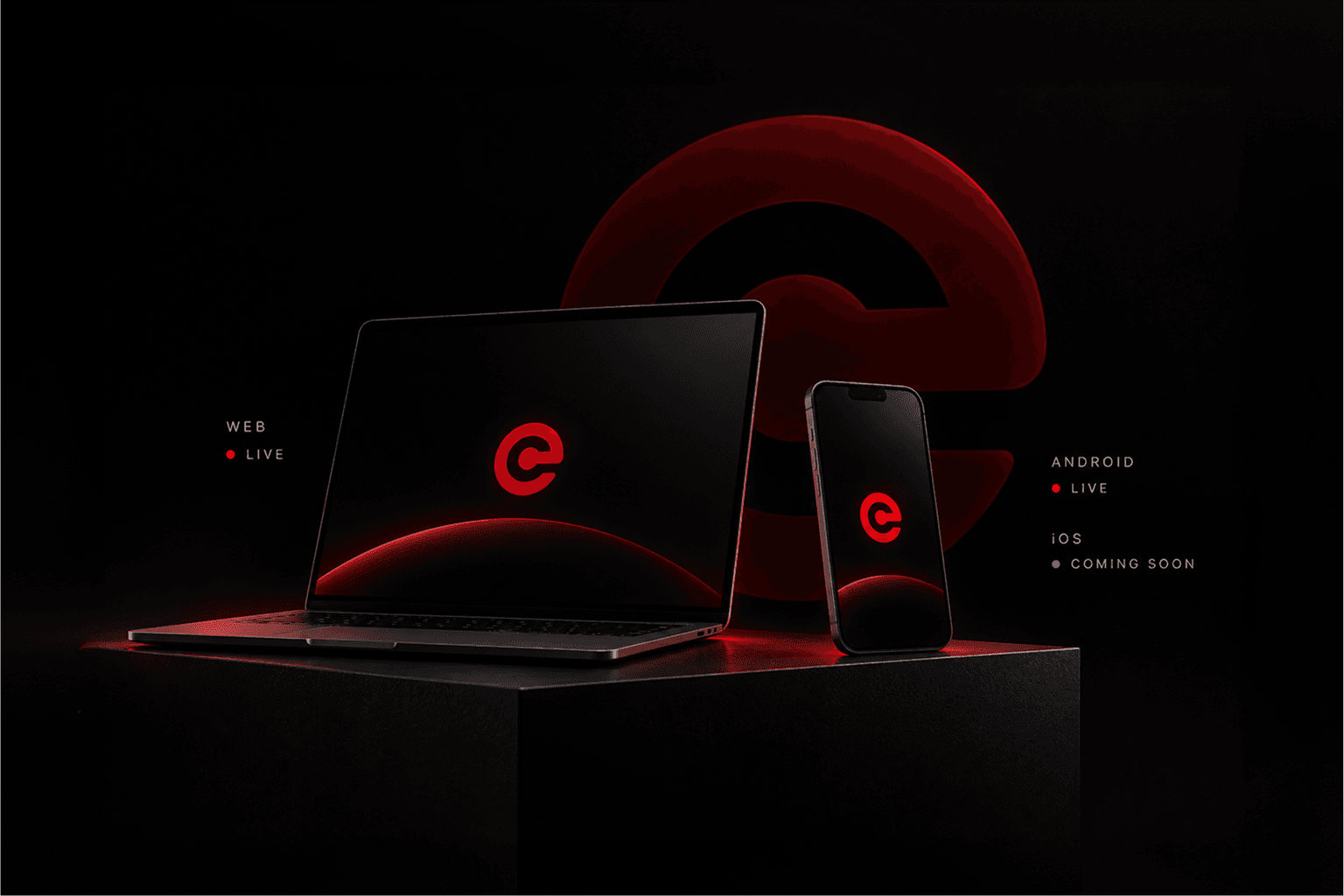
Web and Android had a faster path to launch. iOS involves a longer review cycle. We're working through it now, and we'll share it as soon as it's ready.
How to get started
Head to https://ecurrency.org/wallets to open the wallet in your browser or download the Android app. Create a new wallet, write down your recovery phrase somewhere safe and offline, and confirm it. From there, you can send and receive ECR straight away. Keep your recovery phrase private. Anyone who has it can access your funds. And if you lose it, we can't recover it for you.
If you want the full picture of how eCurrency works under the hood, the whitepaper covers the protocol in detail.